What Is EPG on IPTV? The Complete Beginner's Guide to Electronic Program Guides
Transitioning from traditional cable or satellite television to a modern streaming setup opens up a world of entertainment, but it also introduces new terminology that can occasionally seem confusing. If you have recently set up a streaming application on your Firestick, Android TV, or Smart TV, you have likely encountered terms like playlists, portals, and program guides. Understanding how these features interact is essential for replicating that familiar, effortless channel-surfing experience in a digital environment. Without a proper program guide configured, navigating thousands of live channels can quickly become an overwhelming chore. In this comprehensive guide, we break down everything you need to know about electronic guides, how they work, and why they are vital for your daily entertainment.
Let's dive into what an electronic program guide is, how it functions behind the scenes, and how you can optimize it for your streaming setup.
What Is EPG and What Does It Stand For?
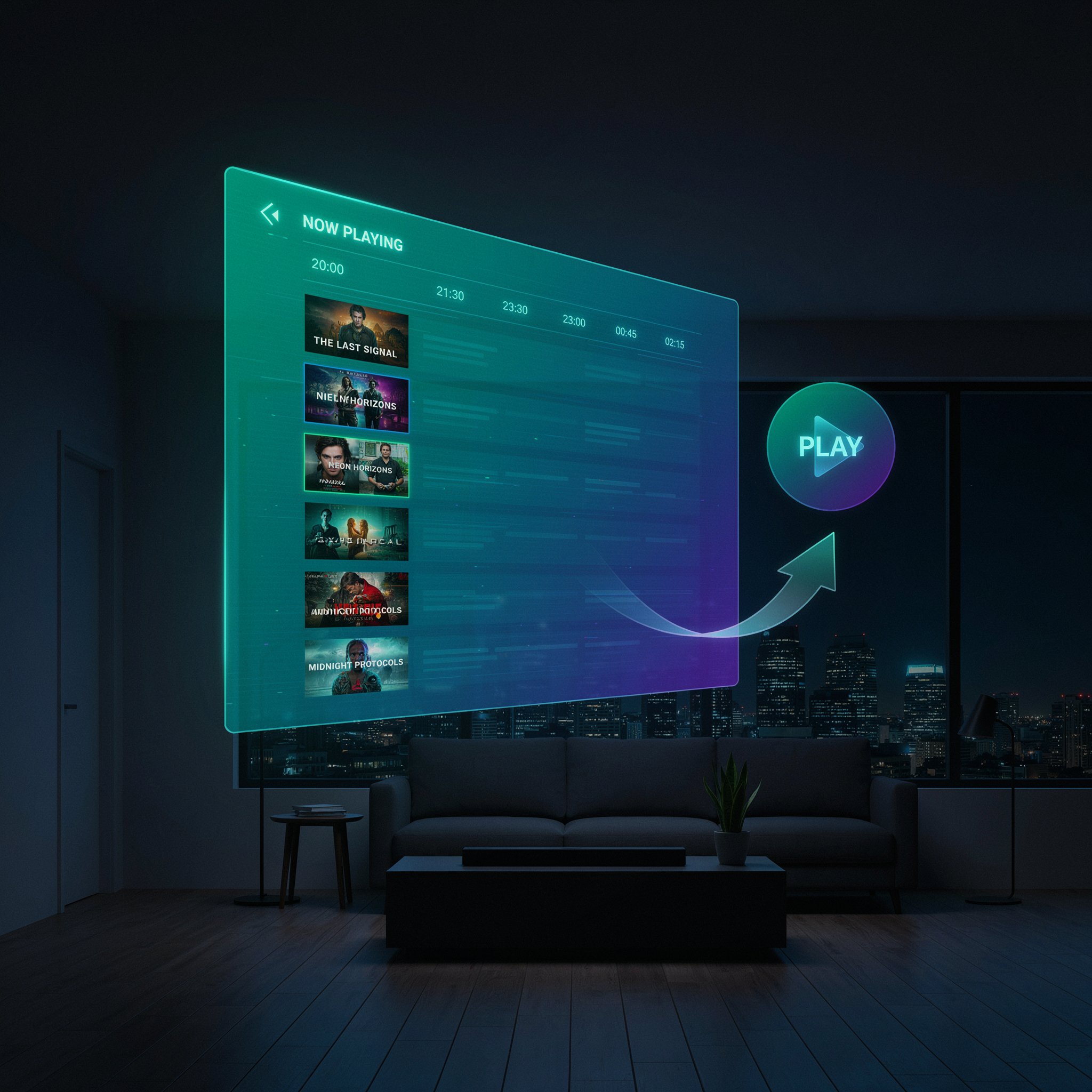
EPG stands for Electronic Program Guide. In simple terms, it is the digital equivalent of the traditional onscreen TV guide you used to see on your old cable or satellite box. When you press the "Guide" or "Info" button on your remote control while using an IPTV player, the EPG is what populates your screen with structured schedules, show titles, network logos, air times, and descriptions.
Instead of manually guessing what is airing on a live international sports channel or news network, an integrated program schedule displays an up-to-the-minute grid showing exactly what is playing right now and what is coming up next.
The Evolution of Television Guides: From Paper to Digital
For decades, television viewers relied on physical newspaper listings, dedicated printed magazines, or text-based broadcast channels to find out what was on television. The introduction of digital cable and satellite boxes in the late 1990s revolutionized this process by embedding schedule information directly into the broadcast signal. This allowed viewers to see a live onscreen grid with a simple click of a button.
As television viewing habits shifted away from traditional infrastructure toward internet-based streaming services, the need for a dynamic schedule became even more pronounced. Because internet protocol streams deliver video data packets over broadband networks rather than fixed cables, they require an external data source to map out schedule timelines. This modern iteration is what we refer to today as an epg guide.
How Does an EPG Work on IPTV?
Unlike standard cable boxes where the schedule is broadcast directly through a physical coaxial or satellite cable, streaming services rely on digital data feeds to populate your channel layout. Understanding the backend architecture helps clarify how everything syncs together:
- The Playlist Connection: Your streaming app requires an M3U playlist or Xtream Codes API login to pull the live video streams from your service provider.
- The EPG Source & URL: To display the schedule, your app fetches data packets from an epg source or an epg url provided by your streaming provider. This data is usually formatted in XML or JTV formats (often called XMLTV).
- Automatic Syncing: Once the link is mapped correctly inside your media player, the app cross-references the channel IDs with the schedule data, displaying real-time program information seamlessly on your screen.
Why Do You Need an EPG for IPTV?
Without an active program layout, your streaming service is essentially reduced to a giant, unorganized list of channel names. Integrating a proper guide offers several massive advantages:
- Real-Time Schedule Visibility: Instantly check what time live sporting events, pay-per-view matches, or nightly news broadcasts start without having to guess.
- Catch-Up and Time-Shifting: Advanced players utilize schedule markers to let you scroll backward in time to watch previously aired programs if your service supports catch-up features.
- Clean Channel Organization: It groups channels into categories like Sports, News, Movies, and Documentaries, making navigation effortless for the whole family.
How Do I Get and Set Up an EPG on IPTV?
Setting up your schedule grid depends on the application you are using. Most high-end players make the process straightforward across various devices:
- Step 1: Obtain your server credentials or iptv epg url from your service provider.
- Step 2: Open your preferred player app (such as TiviMate, IPTV Smarters Pro, or XCIPTV).
- Step 3: Navigate to settings, locate the "EPG" or "Guides" tab, and paste your provider's specific guide address into the designated field.
- Step 4: Update or refresh the playlist so the app can download and cache the schedule data onto your device's local storage.
Common Issues and Troubleshooting
Even with a proper setup, users occasionally run into snags where their guide data fails to load properly. Here is how to resolve the most common hiccups:
- Data Not Updating: If your programs are showing as "No Information" or outdated, try manually clearing the app cache and forcing a playlist refresh.
- Mismatched Channel Names: If certain networks display the wrong show titles, ensure your provider's playlist IDs match the specific tags expected by your EPG source.
- Time Zone Discrepancies: Adjust the time offset settings inside your media player app to match your local geographical time zone.
Frequently Asked Questions (FAQs)
What is the best EPG for IPTV?
The best schedule data is always the one provided directly by your high-performance subscription provider, as it is custom-mapped to match their exact channel list, prevent missing icons, and ensure accurate time zones.
What does EPG mean on a Firestick?
On an Amazon Firestick, it means the exact same thing as a traditional TV guide—it is the interactive grid interface displayed inside apps like TiviMate or XCIPTV that shows live show schedules and timing.
Can I use a free EPG source URL?
While public or open-source community links exist online, they often experience frequent downtime, missing channel logs, or incorrect program timings. Using your provider's dedicated server link is always recommended for stability.
Final Verdict
An electronic guide is the backbone of any smooth cord-cutting setup, transforming a cluttered list of live streams into an organized, user-friendly television experience. Pairing a robust program schedule with a top-tier media player ensures you never miss a moment of your favorite live programming.
Ready to upgrade your entertainment experience? Explore our stable, high-performance 4K live IPTV plans today for buffer-free streaming and crystal-clear quality!